The old ways
Up until now I’ve been using the reference function fetch a registration token. It’s possible to specify an explicit api-version:
output token1 object = reference(hostPool.id, '2023-09-05').registrationInfo.token
output token2 string = reference(hostPool.id).registrationInfo.token
The bicep compiles to this json:
"[reference(resourceId('Microsoft.DesktopVirtualization/hostPools', parameters('hostpoolName')), '2023-09-05').registrationInfo.token]"
"[reference(resourceId('Microsoft.DesktopVirtualization/hostPools', parameters('hostpoolName'))).registrationInfo.token)]"
Recent errors
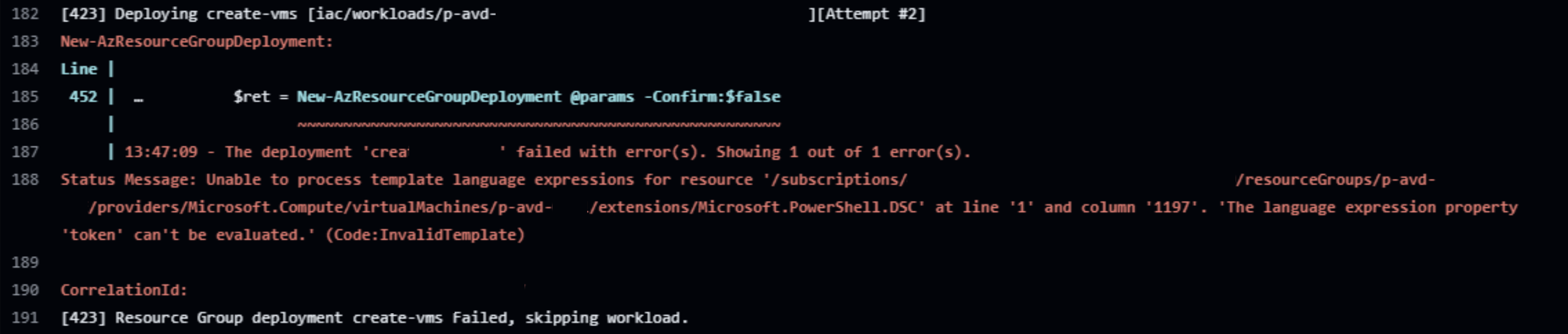
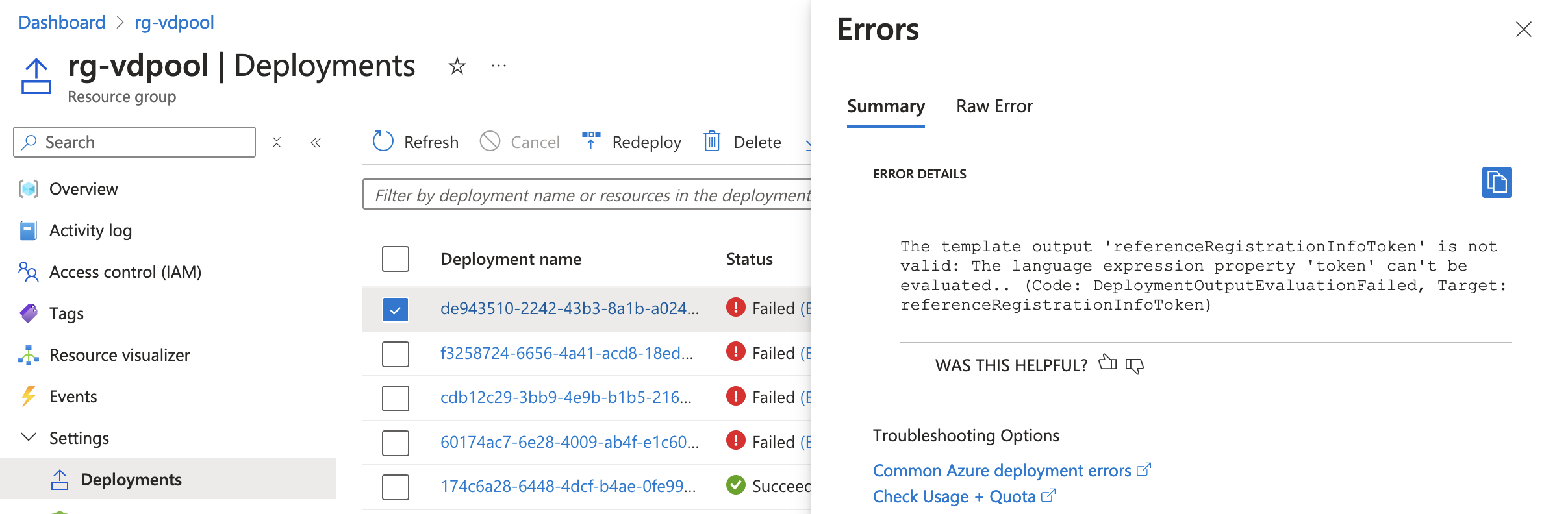
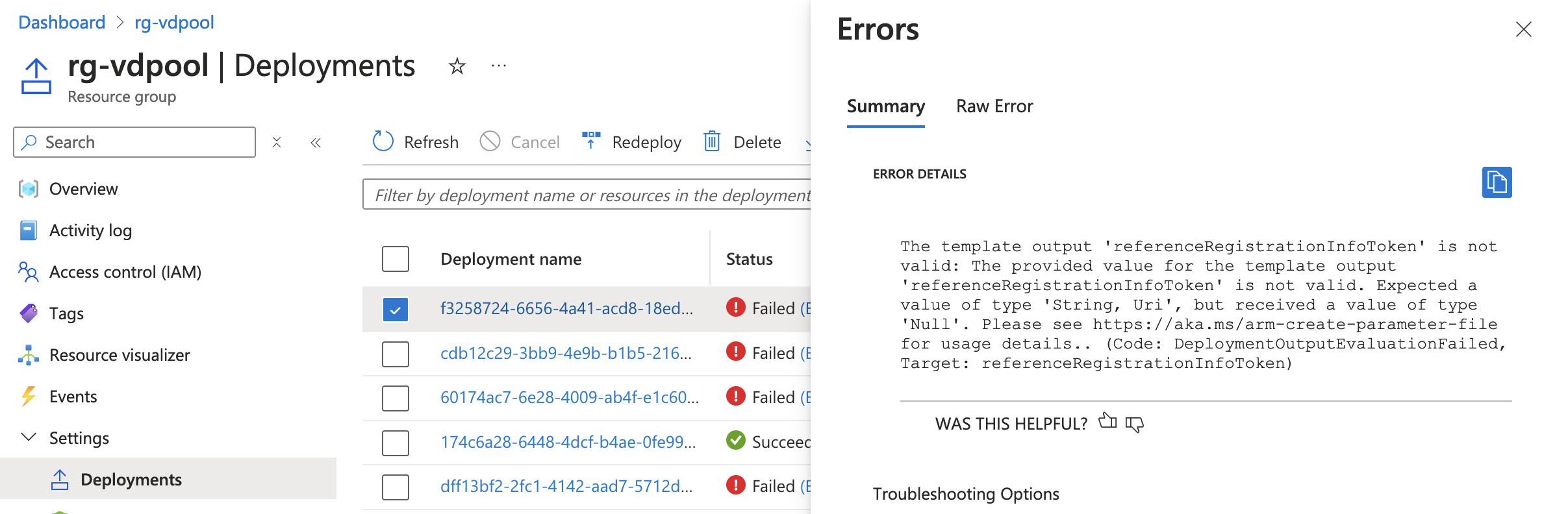
Recently these deployments has began to fail in some envornments, with the errors:
-
…The language expression property ’token’ can’t be evaluated.
-
…Expected a value of type ‘String, Uri’ but received a value of type ‘Null’.
Introducing listRegistrationTokens()
In GitHub issue Azure/bicep-types-az/issues/2023 Microsoft FTE @shenglol shows the new resource function listRegistrationTokens(). The function is as of 2024.08.12 not yet documented in the bicep documentation or outside of the API spec, to the best of my knowledge… The API-call is documented here
The function returns object with a list of objects with a token and the expirationTime:
{
  "value": [
    {
      "expirationTime": "2024-08-13T00:00:00Z",
      "token": "eyJh[REDACTED].eyJS[REDACTED].Kii[REDACTED]"
    }
  ]
}
Here is some usage with it:
output tokenRootObject object = hostpool.listRegistrationTokens()
output tokenList array = hostpool.listRegistrationTokens().value
output tokenInnerObj object = hostpool.listRegistrationTokens().value[0]
output token string = first(hostpool.listRegistrationTokens().value).token
Linter support
Usage of any list* function allows the linter to know this is a secret, and give recommendations based on that. In the old ways, the api-versions had the token property not marked as a secret, thus allowing it to be fetched though GET requests.

Full Bicep example
Full bicep example (CLICK TO EXPAND)
@description('The name of the hostpool')
param hostpoolName string = 'vdpool-listregtoken-001'

@description('Location for all resources to be created in.')
param location string = resourceGroup().location

param tokenExpirationTime string = dateTimeAdd(utcNow('yyyy-MM-dd T00:00:00'), 'P1D', 'o')

resource hostPool 'Microsoft.DesktopVirtualization/hostPools@2023-09-05' = {
  name: hostpoolName
  location: location
  properties: {
    hostPoolType: 'Pooled'
    loadBalancerType: 'BreadthFirst'
    maxSessionLimit: 5
    description: 'first avd host pool'
    friendlyName: 'friendly name'
    preferredAppGroupType: 'Desktop'
    registrationInfo: {
      expirationTime: tokenExpirationTime
      registrationTokenOperation: 'Update'
    }
  }
}

// old
// output registrationInfo object = reference(hostPool.id).registrationInfo
// output token object = reference(hostPool.id).registrationInfo.token

// new
output registrationTokens object = first(hostPool.listRegistrationTokens().value)
output token object = first(hostPool.listRegistrationTokens().value).token